Plan the video
Start by looking at your article and imagining it as a small story instead of plain information. The goal is to create a gentle narrative that feels calm and natural, like you are talking to a close friend.
Structure
Hook (5–10 seconds)
Begin with a soft thought or question that makes the viewer pause.
Why do some stories stay with us forever?
Maybe it is because they make us feel something real. We remember how they made us feel, even years later. Some stories quietly stay in our minds. We think about them when we are alone. These stories become special to us, and that is why they never really leave.
Main ideas
Break your article into 3 to 5 short parts. Each part should focus on one idea and flow smoothly into the next.
Ending
End with a calm reflection or a gentle message that gives the viewer something to think about.
Tip:
This style works best when you slow down. Do not rush to explain everything. Focus more on emotion and mood than on giving too much information at once.
2. Write a soft, cinematic script
Rewrite your article in a poetic and conversational tone. Imagine you are describing a quiet moment.
Example:
Writing feels like walking through a small town early in Homethe morning. The streets are empty. The air is cool. Birds are singing somewhere nearby. The sun is slowly rising. Everything feels peaceful. Writing is like this moment. It is quiet. It gives you space to think. You notice your thoughts. You notice your words.
You do not rush.
You simply notice things.
Keep your sentences short and visual. Let them breathe.
3. Create Ghibli-inspired visuals (in a safe way)
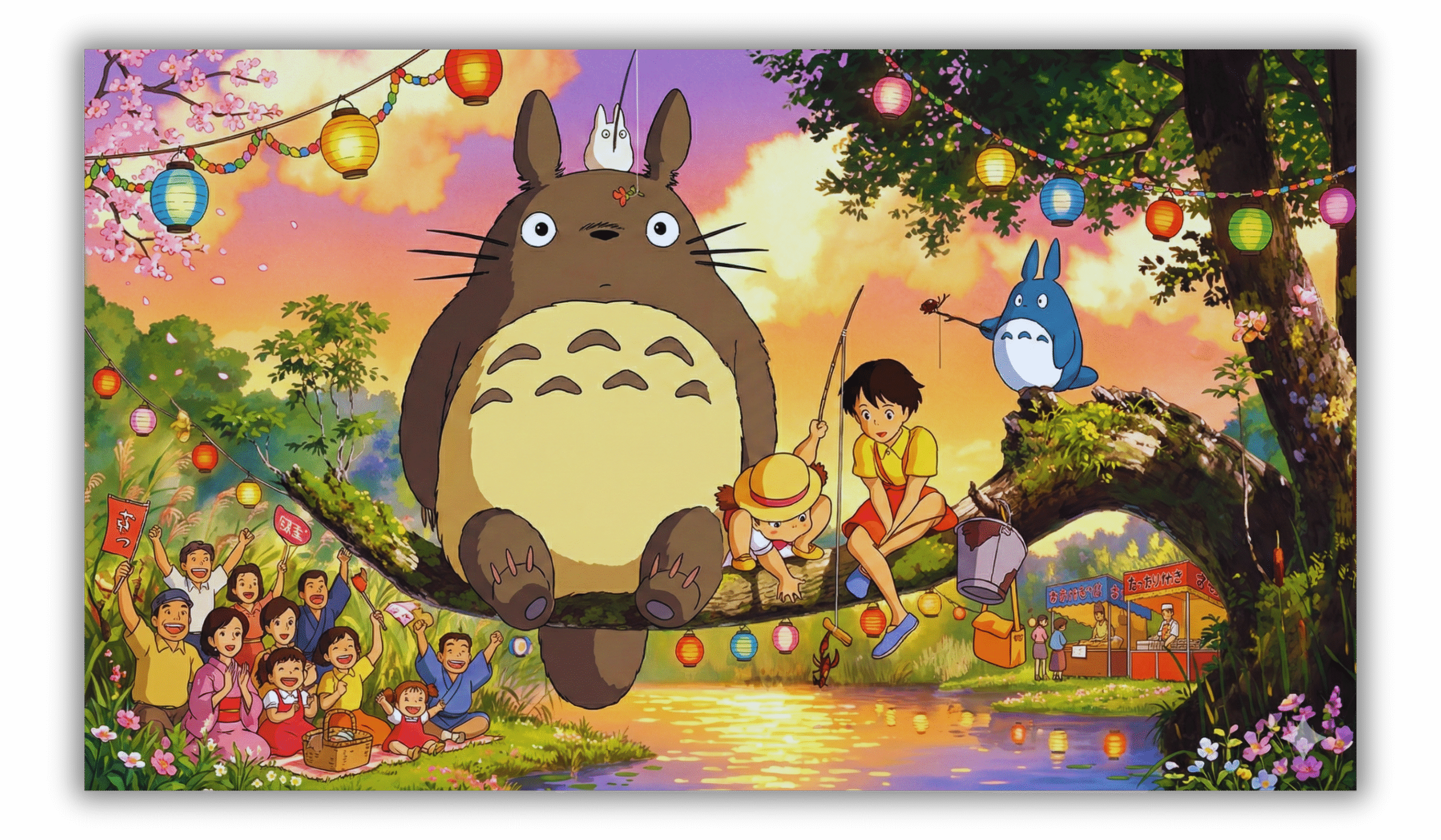
You are not trying to copy Studio Ghibli. You are only trying to capture a similar feeling. Think about warmth, calmness, and wonder.
Option A: AI image generation (easy)
You can use tools like:
- ChatGPT (image generation)
- Midjourney
- Leonardo AI
- DALL·E
Prompt example:
A peaceful hand-painted anime-style village, soft pastel colors,
warm sunlight, gentle clouds, calm and whimsical atmosphere,
cinematic, emotional, inspired by Japanese animation
Create around:
- 6 to 12 images for one video
- Scenes such as the sky, a quiet room, a desk, nature, roads, windows, or books
Option B: Turn images into video
You can animate your images using:
- Pika
- Runway
- Kaiber
- Leonardo Motion
Use very slow camera movements like gentle pans or zooms. Avoid fast motion.
4. Voiceover (very important)
The voiceover brings the entire video to life.
Choose a voice that is:
- Soft and calm
- Slow-paced
- Warm and friendly
You can use:
- Your own voice (this often feels the most human)
- ElevenLabs
- Play.ht
Add small pauses between sentences. These pauses help the listener think and feel the words instead of rushing through them.
5. Background music
Choose music that supports the mood without taking attention away.
Good options:
- Soft piano
- Gentle strings
- Lo-fi ambient sounds
You can find music on:
- YouTube Audio Library
- Pixabay Music
- Epidemic Sound
Keep the volume low. The music should feel like it is in the background, not the main focus.
6. Edit the video
You can edit using:
- CapCut
- DaVinci Resolve
- Premiere Pro
Editing tips:
- Use slow fades (1–2 seconds)
- Avoid flashy transitions
- Add a little film grain
- Use warm colors
7. Upload to YouTube
Title ideas
- A Quiet Video About Writing
- Why Writing Feels Like a Ghibli Film
- A Soft Anime-Style Video About Creativity
Description
You can write something like:
This video is inspired by the calm and emotional tone of Japanese animation. No copyrighted characters or scenes are used.
8. Posting style that works best
A simple and clear style works best. Short paragraphs and easy language help people stay focused.
Good posting habits:
- 3 to 8 minutes per video
- One long video plus short clips for Shorts
- Stay consistent
Consistency matters more than perfection. Even small progress, done regularly, makes a big difference over time.
 WhatsApp Channel
 Telegram Group